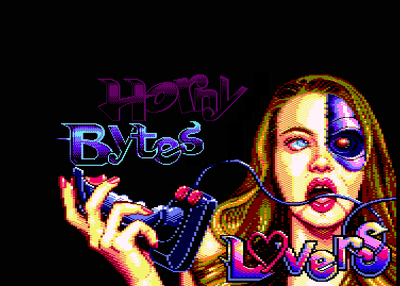
# Showing the CATART

The CATART only works on a CPC6128 or Amstrad Plus. CPC464&664 are unable to properly show it.

Just type
`CAT`

# Running the demo

To run the demo with the default parameters (autodetection of CRTC + amsdos leaving) :

`RUN"HBL`


To force a CRTC version (with <VERSION> a value between 0 and 4 included; obviousy it must be the same value than the chip in your machine):

`RUN"HBL" 'CRTC=<VERSION>`


To force the loading of a part (with <PART> being INTRO or POLAR or EASY)

`RUN"HBL" 'PART=<PART>`


To force a part and a crtc


`RUN"HBL" 'CRTC=<VERSION> PART=<PART>`


The arguments and their values are case insensitive


# Floppy Hardware adaptation


- On a real machine with (real or emulated) drive A: nothing else to do
- On a real machine width (real or emulated) drive B: execute first `|b` command
- On a real machine with a mass support storage system: follow the instruction of your support
- On emulator use the DSK file
- On the real machine, you can:
 - copy the DSK to a real floppy drive
 - or inject the HFE file in your HXCFE
 - or Load the HFE or DSK file in the HxCFloppyEmulator software (DS1 configuation on my system)
 - or copy the individual files in your mass support storage system